Review: MelGeek Pixel brick-compatible keyboard
Posted by Huw,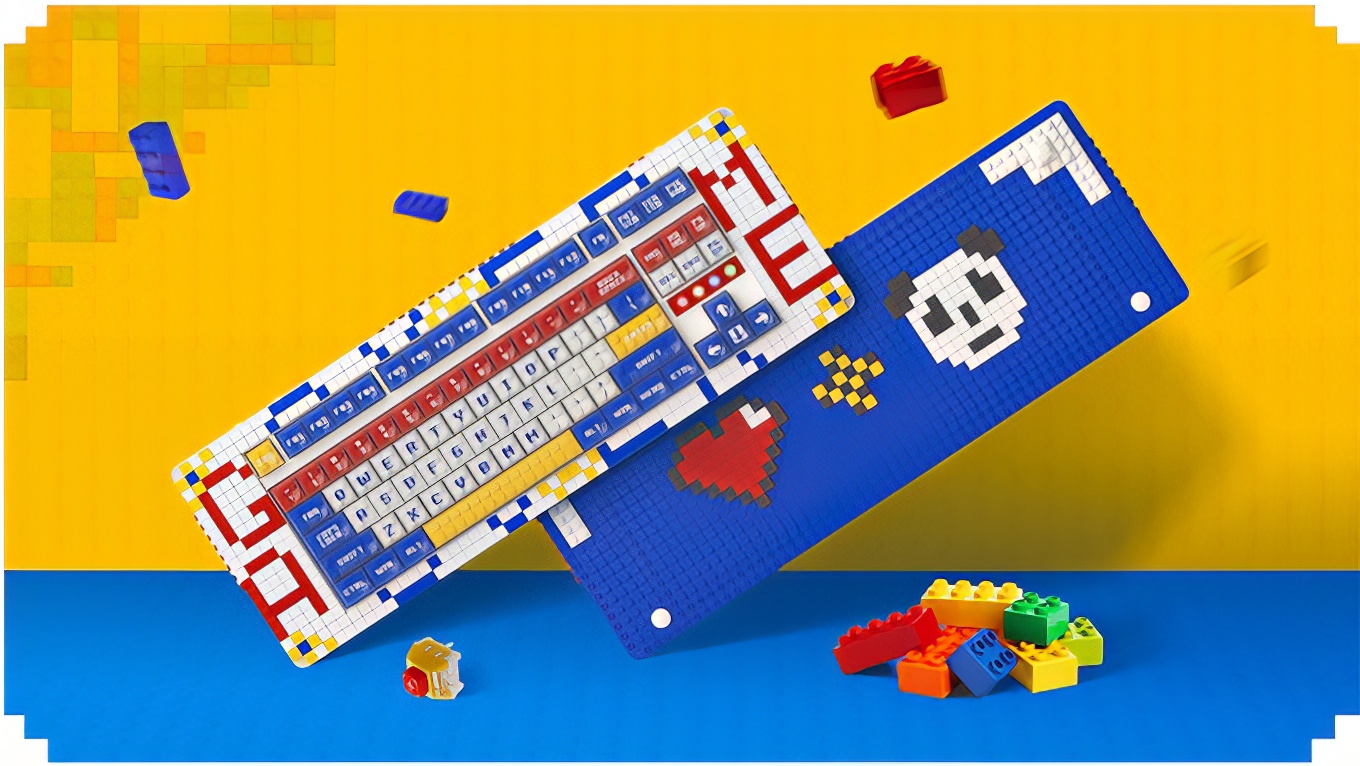
An interesting project has just launched on Kickstarter: Pixel, a brick compatible keyboard.
It's a mechanical keyboard that has studs on the front, back and under the keys allowing you to customise and decorate it to your heart's content. It can connect to your PC, Apple or other device via Bluetooth or using the supplied wireless dongle or cable.
It's already reached its funding goal, so production will go ahead and if you'd like to get your hands on one when it ships early next year you can pledge $199 (£175) or more to do so.
We've been sent a pre-production sample to unbox and test.
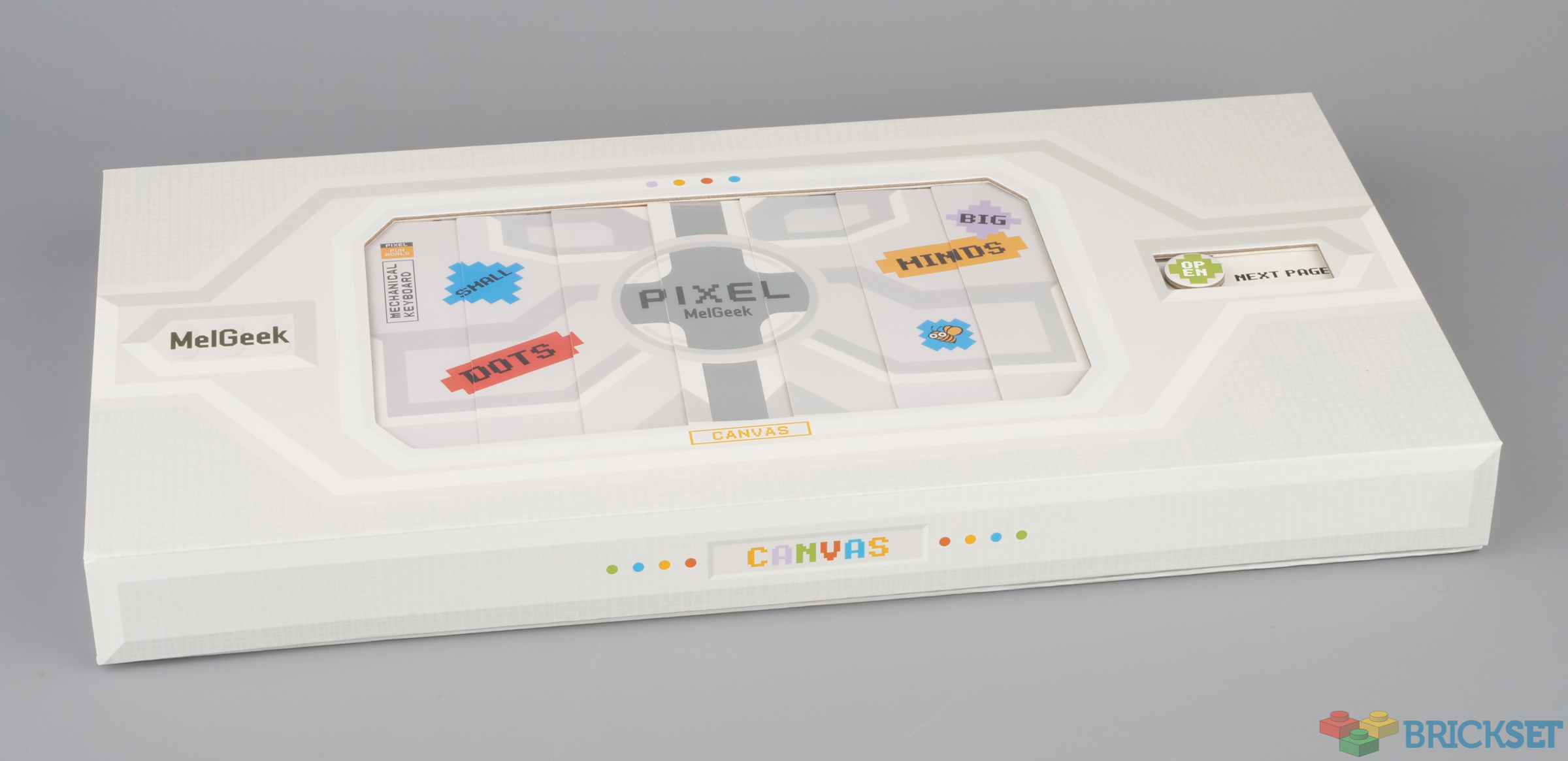
The packaging is particularly fancy, and perhaps unnecessarily so given it's likely to be discarded, although it's sturdy enough to easily and securely transport the keyboard around in if you have a need to.
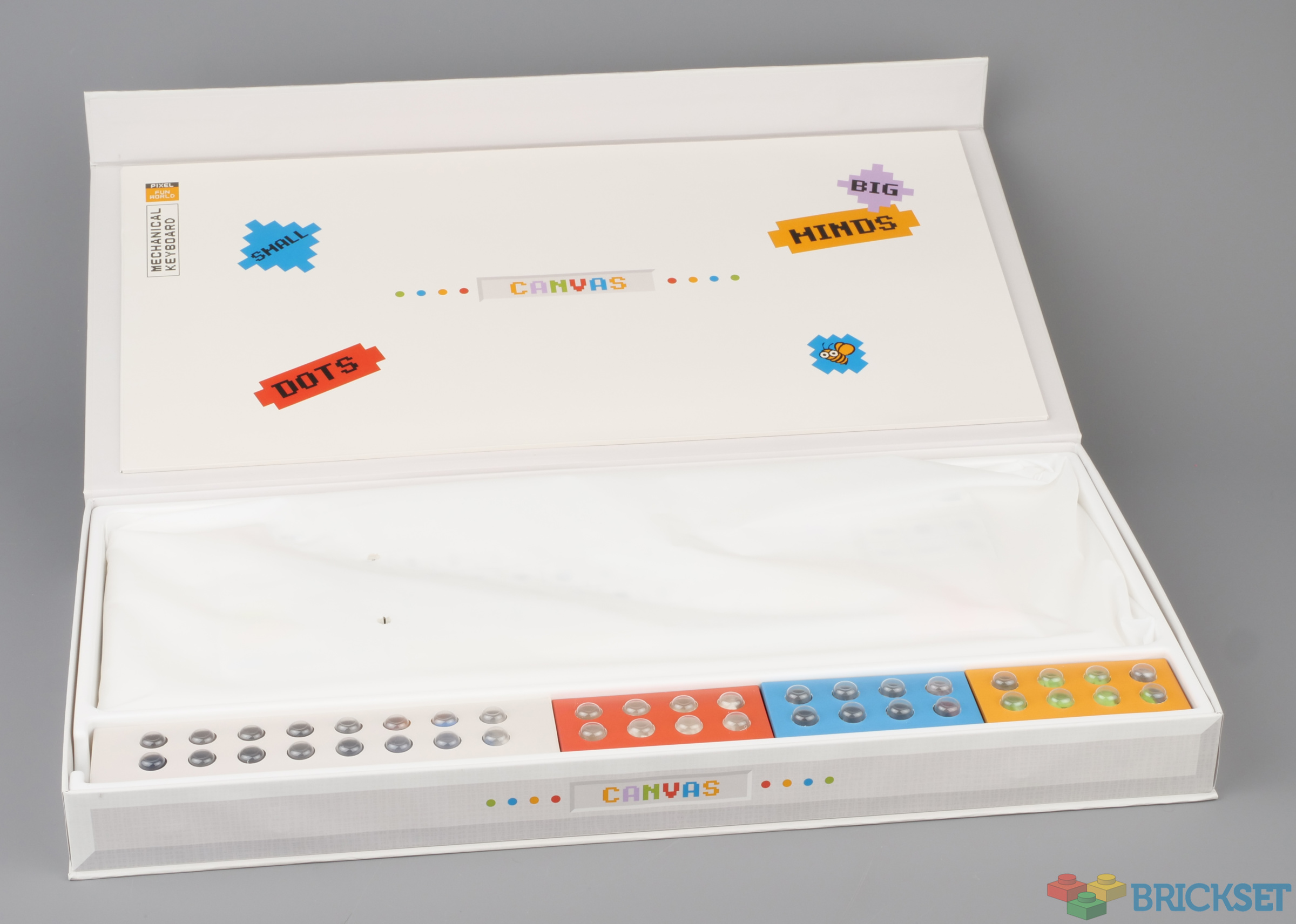
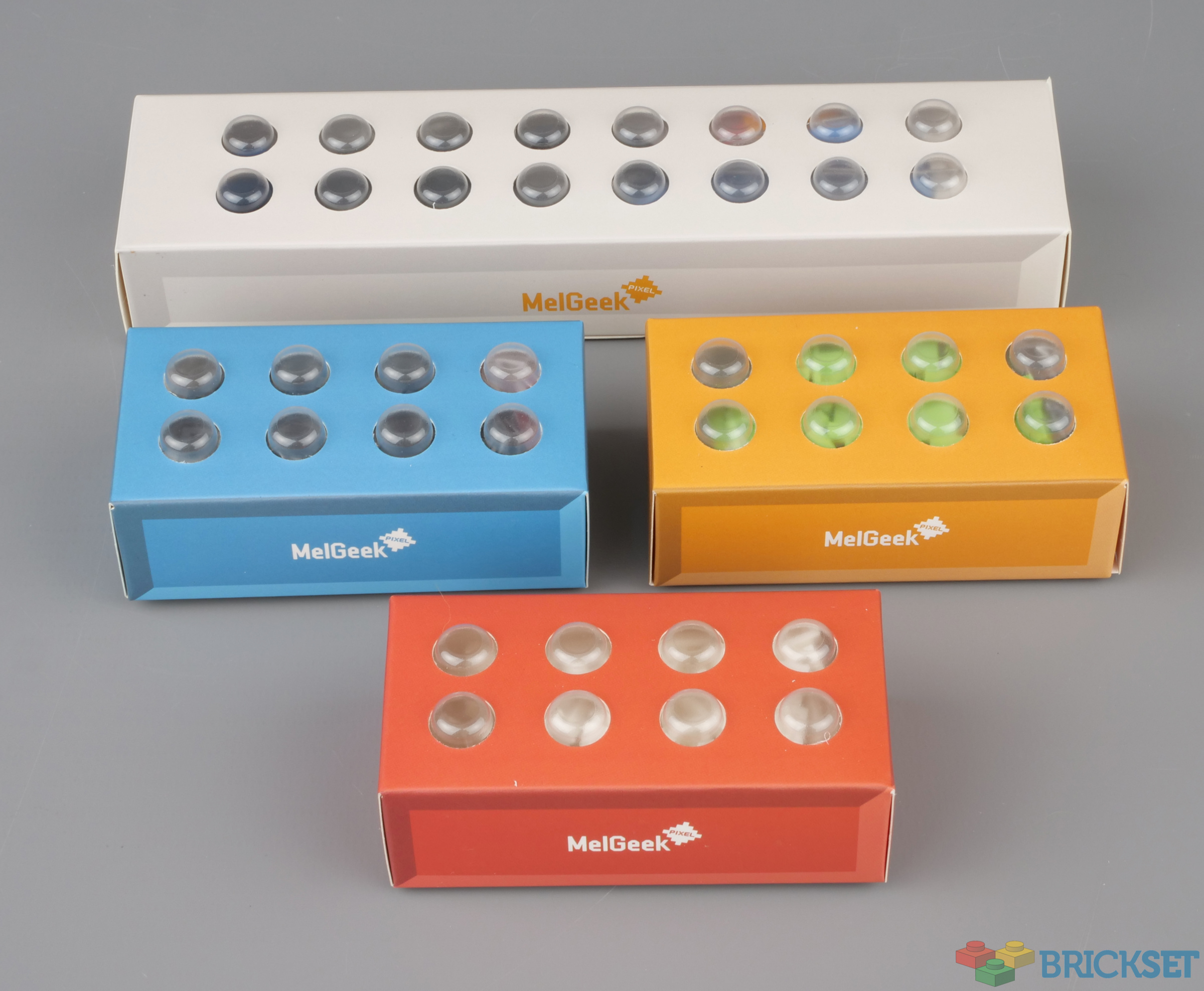
Inside the flip-top box is the keyboard itself and four boxes containing accessories.
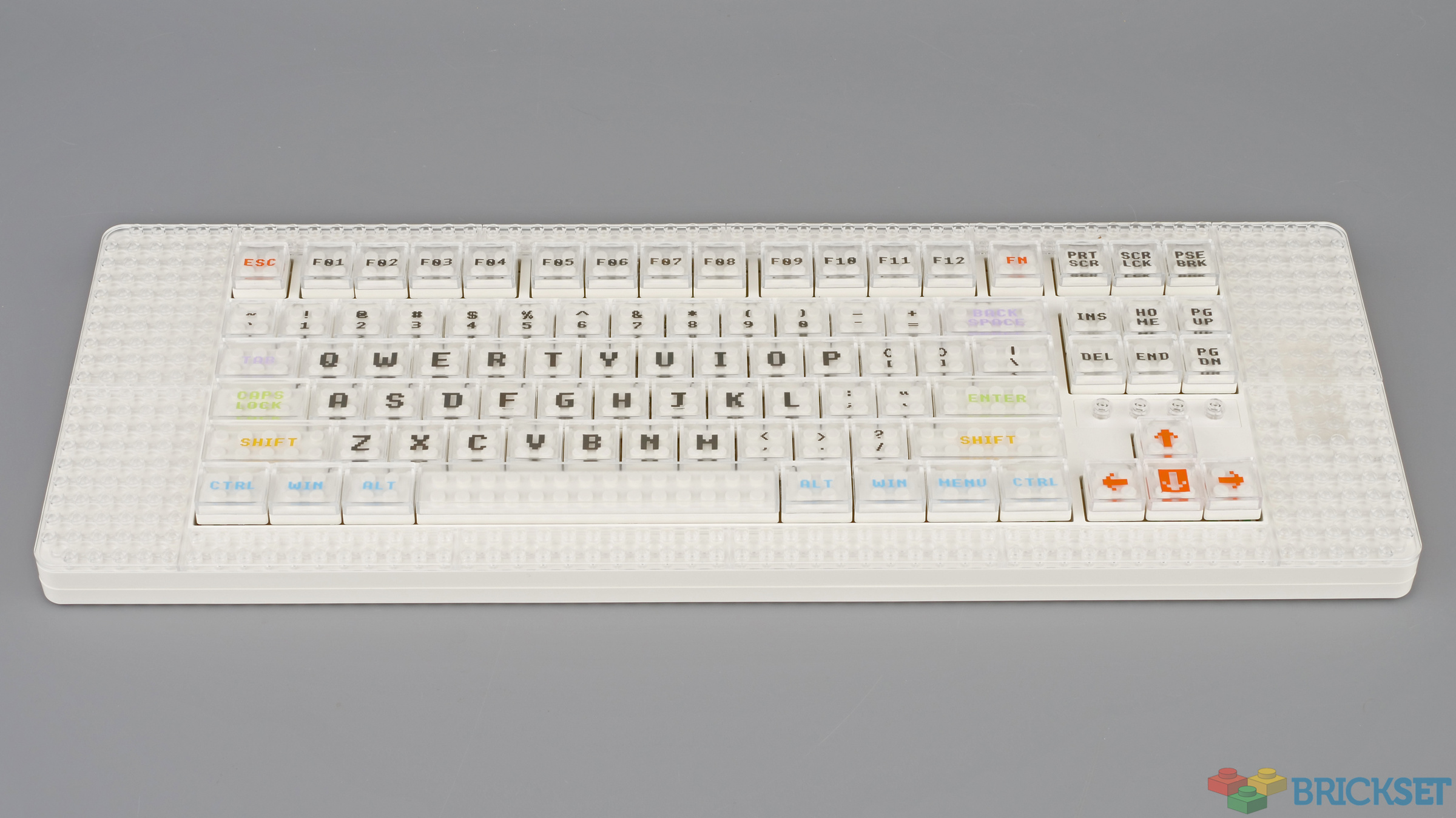
Three styles of keyboard are available, this is the plainest all-white version. It's about 45cm wide and the full-size mechanical keypad is surrounded by studs, six on either side and two at the top and bottom.
At 22mm it's surprisingly thick, so you will need a wrist rest to be able to use it comfortably. It's also flat, but that can be remedied by connecting pieces to bottom as I'll show below.
The accessory boxes are styled to look like LEGO bricks.
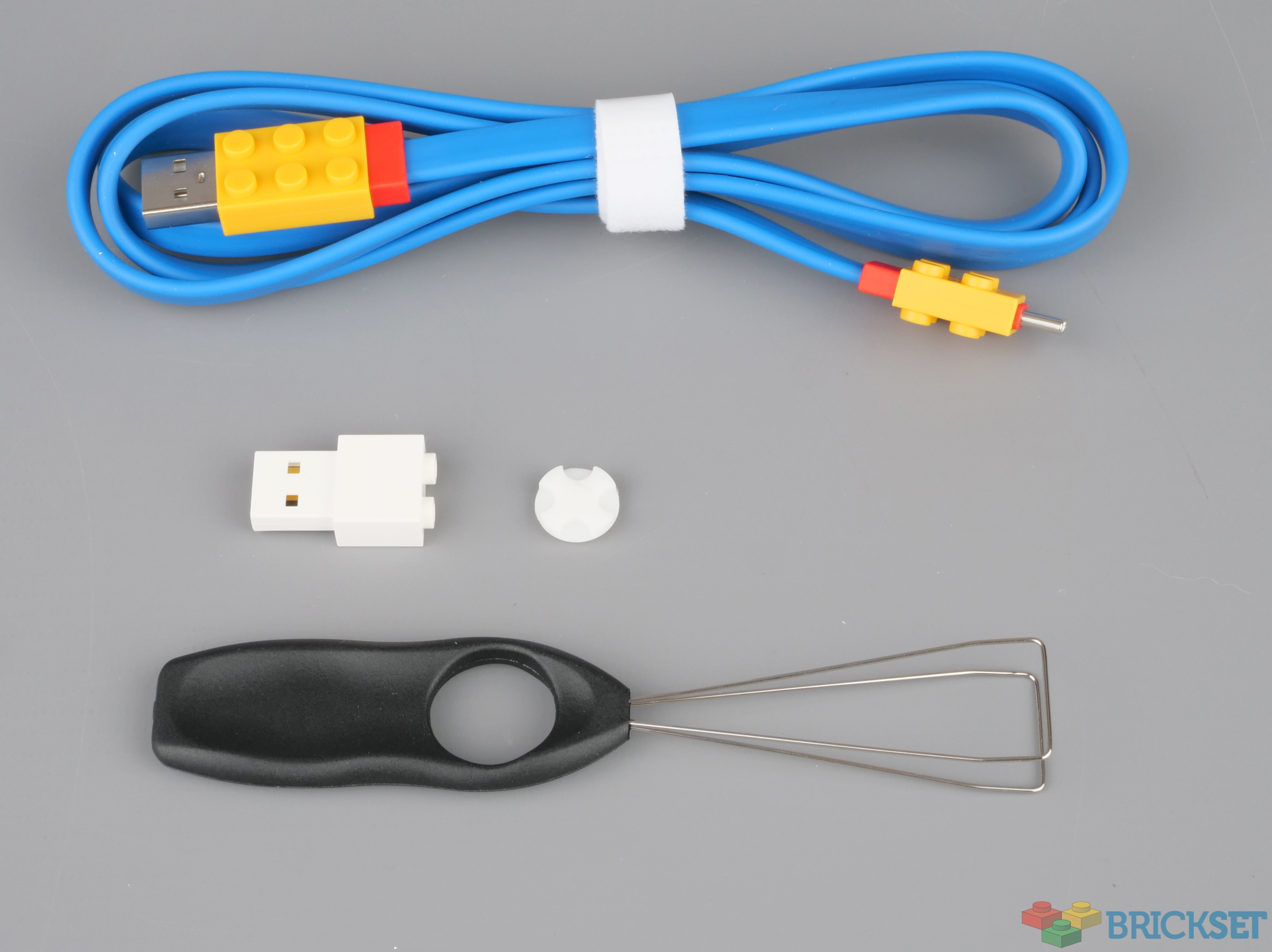
There's a USB-C to USB-A cable provided for charging the device, a wireless dongle should you prefer not to use Bluetooth to connect it to your computer, a key cap removal tool and four rubber feet, plus a spare, pictured.
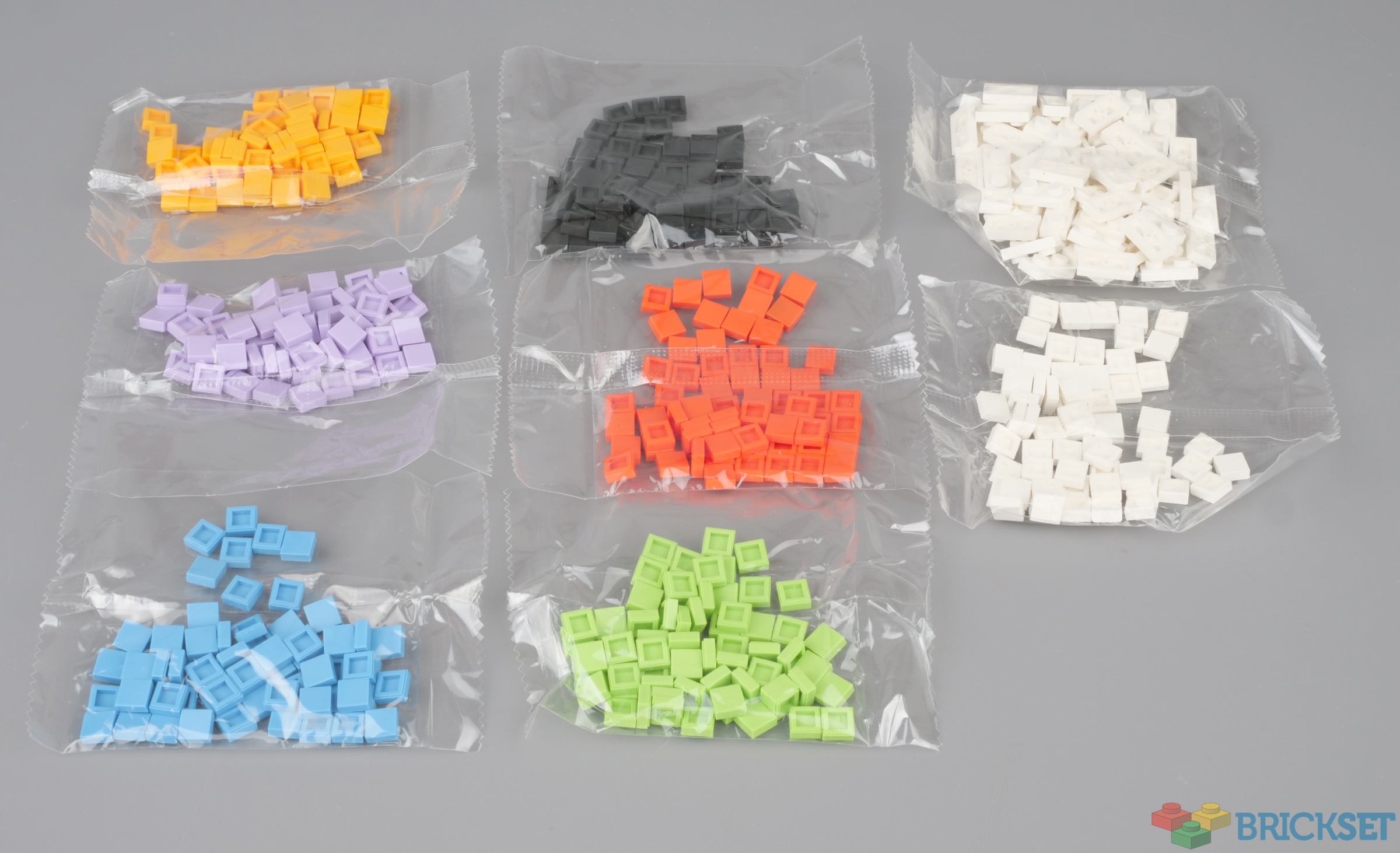
The other boxes contain off-brand 1x1 tiles and 1x2 white plates and while they might be handy for those without a collection of LEGO pieces, those that do should probably leave them bagged up to avoid contamination.
The studs under the key caps should in theory allow you to place tiles there but on my sample that is not possible: the transparent covers are very slightly too small.
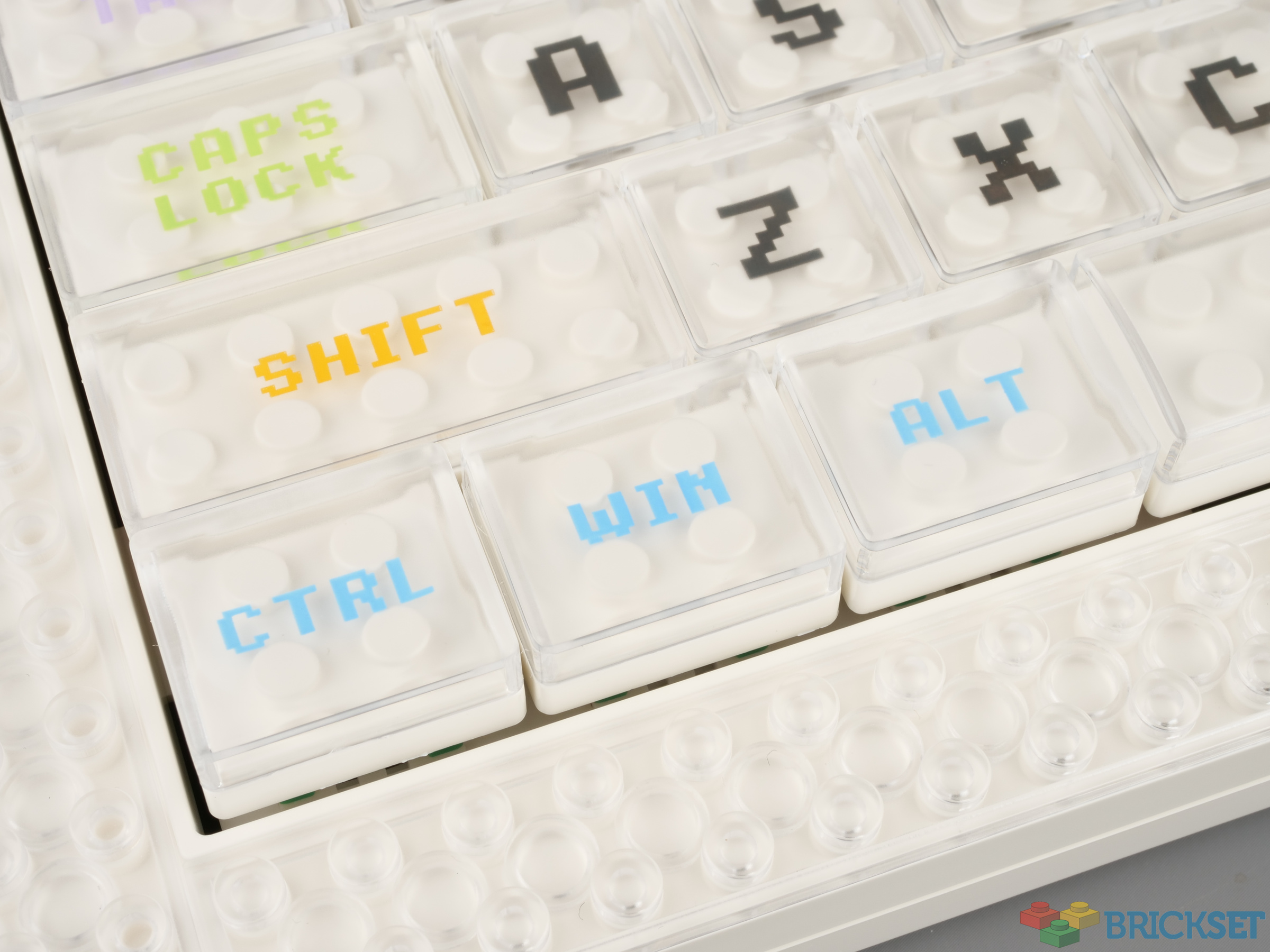
The tool makes it easy to remove the key tops and access the switches underneath which are apparently hot-swappable should you wish to upgrade them.
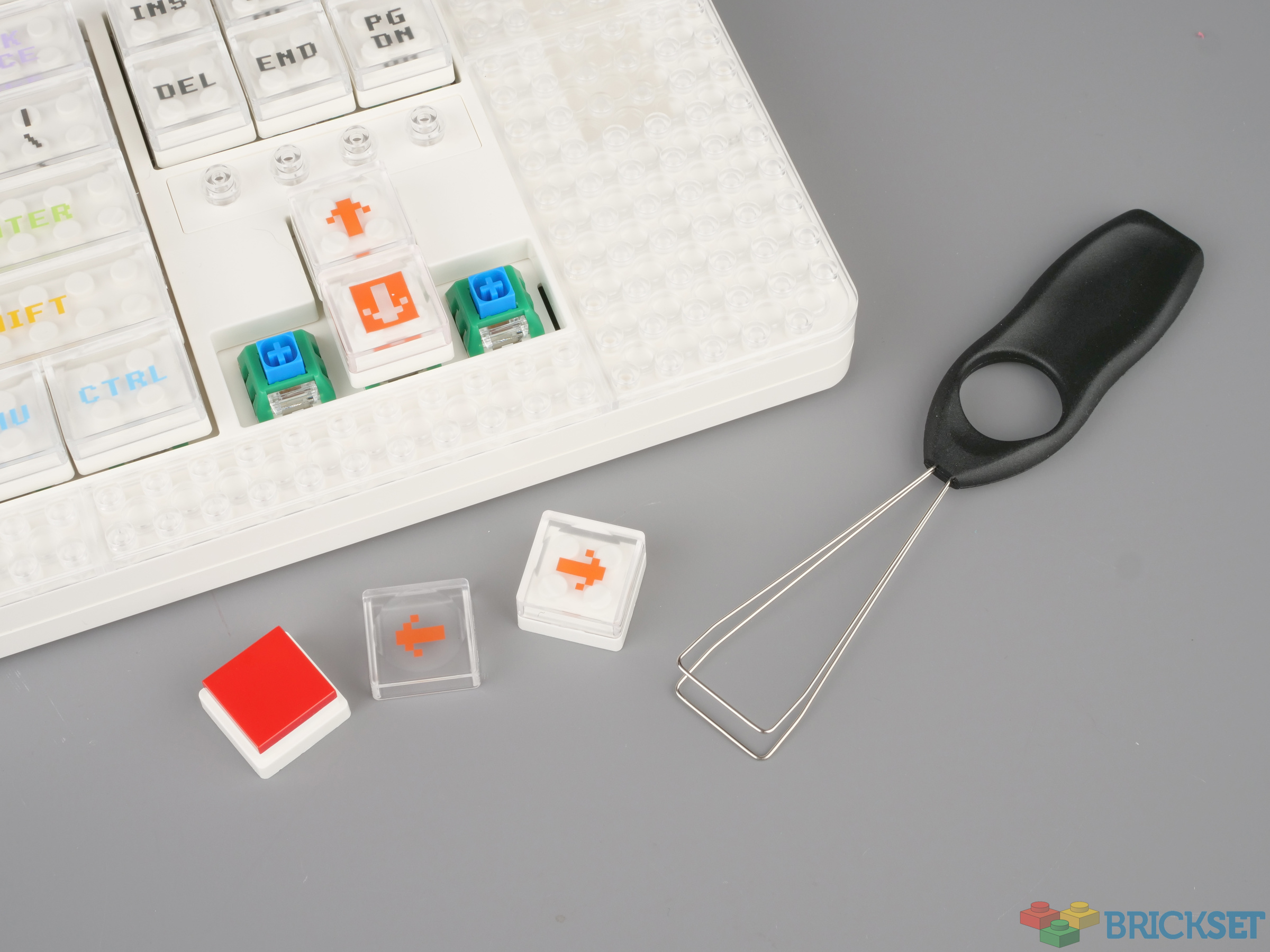
The sides are a blank canvas on which you can decorate to your heart's content, either with the supplied off-brand tiles or your own genuine LEGO, such as these random DOTS tiles I had to hand.

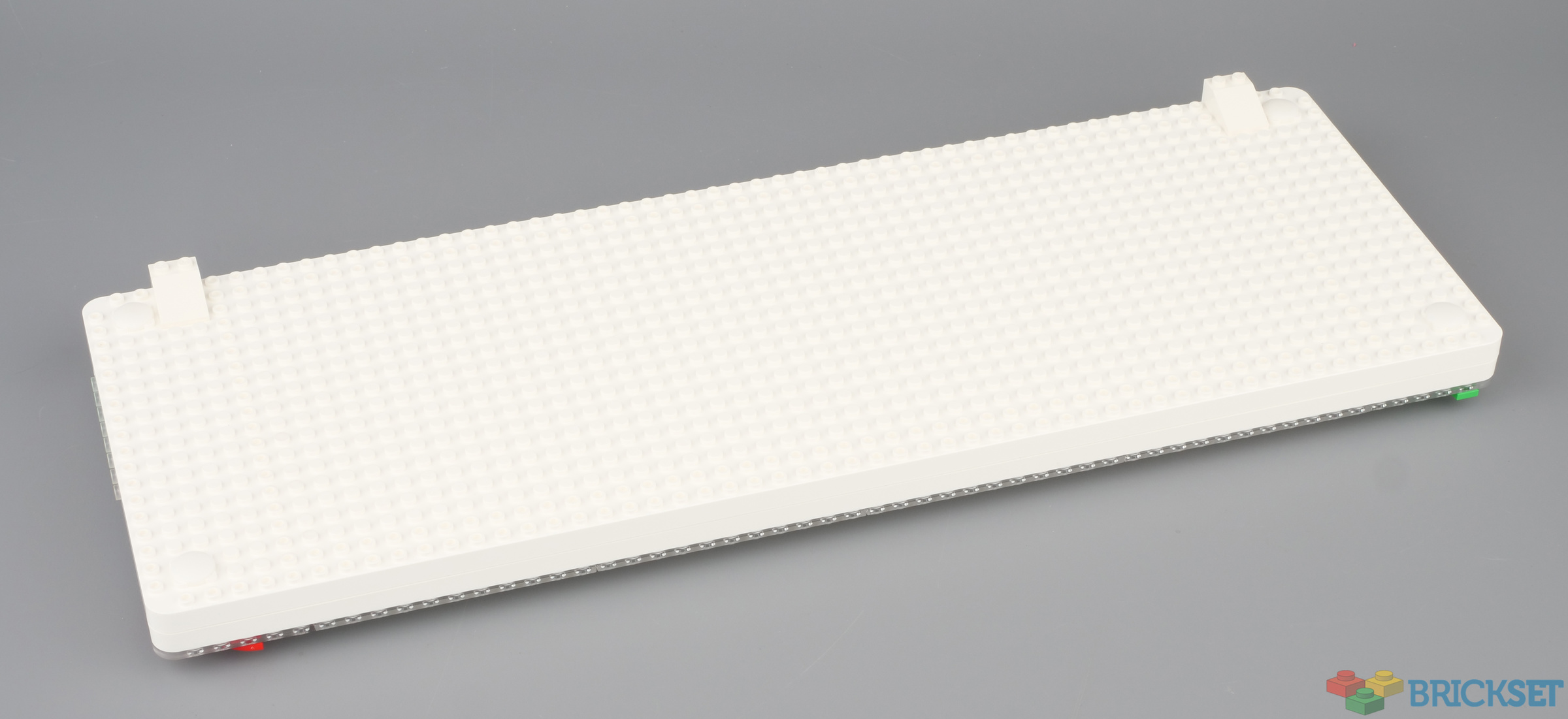
The underside is covered in studs too, so it too can be decorated, or more practically used to attach pieces to hold it at an angle for more comfortable typing.
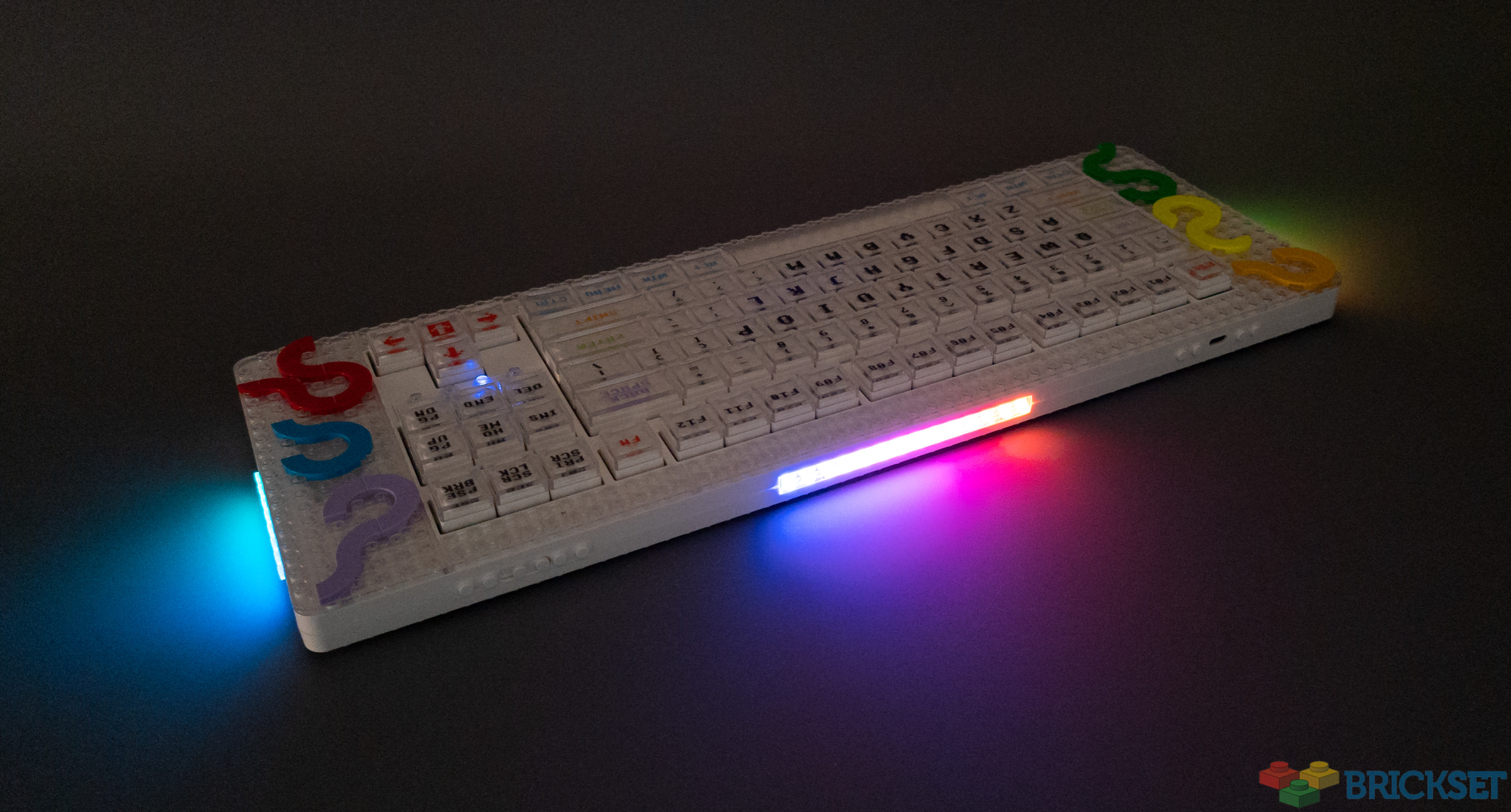
LED strips on the sides and back provide bling and their colour, effect and brightness can be changed by pressing key combinations.
Overall it's an extremely high quality product that can be customised in a myriad ways both before you buy it and after to make it one-of-a-kind and to suit your exact needs.
I am not used to mechanical keyboards, or those that are so high off the table, so I didn't find it comfortable to type on at all, but that's probably just me.
The Pixel keyboard is currently on Kickstarter priced at $199 so if this is something you need in your life, head on over to pledge your support and for more information.
During the next few days I will be offering those of you in the UK a chance to win the one I have here, so stay tuned for news of that.
Thanks to Rick at MelGeek for sending this to us to review.
62 likes
20 comments on this article
Bottom studs seem like heresy to me. Tubes or nothing!
Looking at the Kickstarter page, it seems the intent of the transparent caps is to simply replace them with e.g. 2x2 tiles, not to put tiles under them.
@binaryeye said:
"Looking at the Kickstarter page, it seems the intent of the transparent caps is to simply replace them with e.g. 2x2 tiles, not to put tiles under them."
I asked Rick who sent it to me and he said it should be possible. Will over at Hoth Bricks seems to have managed it: https://en.hothbricks.com/pixel-mechanical-keyboard-review-by-melgeek/
I can get them to fit but then they are virtually impossible to get out again, and the key cap does not fit as well as it does without them: I sacrificed some of the supplied off-brand tiles to try then had to use pliers to remove them, destroying them in the process.
As someone deep into Mechanical Keyboards, I love seeing my two hobbies combined!
On the one had I would love to have a pretty and customized keyboard to show of my lego hobby. On the other hand, I often eat at my computer and my keyboard often ends up a dusty mess with bits of muffin crumbs and sunflower seeds stuck in it.
I guess I just don't see the point or appeal. Keyboards are something practical that LEGO really has nothing to do with. I don't know the demographic of people who would like to customize a computer interfacing tool with colorful bricks and tiles. Perhaps it's just not me.
@Syren_Neostar said:
"As someone deep into Mechanical Keyboards, I love seeing my two hobbies combined!"
Oddly enough, as another /r/mk person, I don't want this. My office is so full of Lego that I have issues having space to build or display, but I want my keyboards to stay nice and clean. That said, got nothing against this for those who want it, and I look forward to seeing what people do!
It looks like a fun gimmick, but also as one hell of an ergonomic disaster. And that's a bit of an issue here. At, say, €25 (and obviously the cheapest mechanism available), I could very well see this as a fun gift for a Lego fan, even when it probably wouldn't be used for long. But looking at myself, the one single thing I care about with a keyboard is how it feels. It doesn't have to look nice, it doesn't need to have lots of extra buttons, and it doesn't need all kinds of useless features. And if I would spend €200 at a keyboard, it better do its one job pretty much perfect. I just don't see that happen here, so much seems off. And if I have to choose between a numpad and studs.....
And dare I say JK Brickworks did it better, quite some years ago: https://www.youtube.com/watch?v=SEEzQKJfNE0
Honestly after the I-brixx fiasco/ scam, I’m done with kickstarter so build a product I can buy and happy to pay for it, but otherwise, no thank you…
@WizardOfOss said:
"It looks like a fun gimmick, but also as one hell of an ergonomic disaster. "
I guess it might be alright as a game controller but perhaps not practical for typing. That might be the market they are targeting.
@WizardOfOss said:
"It looks like a fun gimmick, but also as one hell of an ergonomic disaster. And that's a bit of an issue here. At, say, €25 (and obviously the cheapest mechanism available), I could very well see this as a fun gift for a Lego fan, even when it probably wouldn't be used for long. But looking at myself, the one single thing I care about with a keyboard is how it feels. It doesn't have to look nice, it doesn't need to have lots of extra buttons, and it doesn't need all kinds of useless features. And if I would spend €200 at a keyboard, it better do its one job pretty much perfect. I just don't see that happen here, so much seems off. And if I have to choose between a numpad and studs.....
And dare I say JK Brickworks did it better, quite some years ago: https://www.youtube.com/watch?v=SEEzQKJfNE0"
There's not anything particularly wrong ergonomically with it.
@Huw said:
"I guess it might be alright as a game controller but perhaps not practical for typing. That might be the market they are targeting."
€200 for something that "might be alright" still sounds like a tough sell...
@pwade3 said:
"There's not anything particularly wrong ergonomically with it. "
Base too thick, too flat keys, though I have to say at least the spacing seems pretty much normal. But it still doesn't look like a keyboard I would want to work on all day. The average laptop keyboard looks more comfortable, and I really hate those...
I do want those cables though!
@WizardOfOss said:
"Base too thick, too flat keys, though I have to say at least the spacing seems pretty much normal. But it still doesn't look like a keyboard I would want to work on all day. The average laptop keyboard looks more comfortable, and I really hate those..."
Flat keys are a bit of a personal preference thing, rather than inherently good or bad.
As far as thickness, I'd say less of a concern than the actual typing angle (e.g. too high of an angle straining wrists).
I've been into keyboards for a while now as a hobby and I've certainly seen more concerning boards as far as ergonomics go.
Honestly the thing that worries me with this board is the stud tolerances. Will the studs wind up cracking genuine Lego?
@pwade3,
There sure will be worse ones, but from a €200 keyboard I would expect it to be among the better ones. To me, this just seems like a waste of good mechanical keys.
No interest in the keyboard itself, especially since it doesn't have a numpad, but I love that cable and dongle!
Interesting idea, but not for me. Customizability is pretty good at least.
Why didnt they just add a large border to a keyboard for attaching lego builds? Allow for actual keyboard changes as long as they use standard keyboard parts that are maybe Lego themed? No way I would pay such a high price for what looks like it would be torture to type on. I see an overpriced lego compatible plate to build on, where the lego part doesnt seem to attach very well.
Similarly, to the Lego themed working clock 4179689 , I would also buy a Lego themed standard working keyboard for my kids, with studs on top to attach mini-figs etc., which should only be about £20. Who would want kids taking $200 keyboards apart to insert tiles and lose keys etc. as never go back together perfectly and have enough broken keyboards.
@WizardOfOss said:
"
@pwade3 said:
"There's not anything particularly wrong ergonomically with it. "
Base too thick, too flat keys, though I have to say at least the spacing seems pretty much normal. But it still doesn't look like a keyboard I would want to work on all day. The average laptop keyboard looks more comfortable, and I really hate those...
I do want those cables though!"
If you look at the Kickstarter page, they talk about a full range of keycap profiles, from SA (sculpted, deep curve) to the flat MG profile shown here, as well as other addons to select the key type.
This would be something to add to my wishlist :) Awesome